
XiaoZhan AIhubXiaoZhan AIhub
The all-in-one AI workspace for business

Put AI to work
in every team.

Financial reconciliation, résumé screening, quote comparison, staff training. Bring AI into the daily work of every role, lighten the repetitive work, and leave the team's time for creating value.

macOS / Windows desktopOpenAI / Anthropic / Gemini compatibleFree credits on sign-up
Long coding runsLong office tasksDeep reasoningImages · video · avatarsInfinite canvas
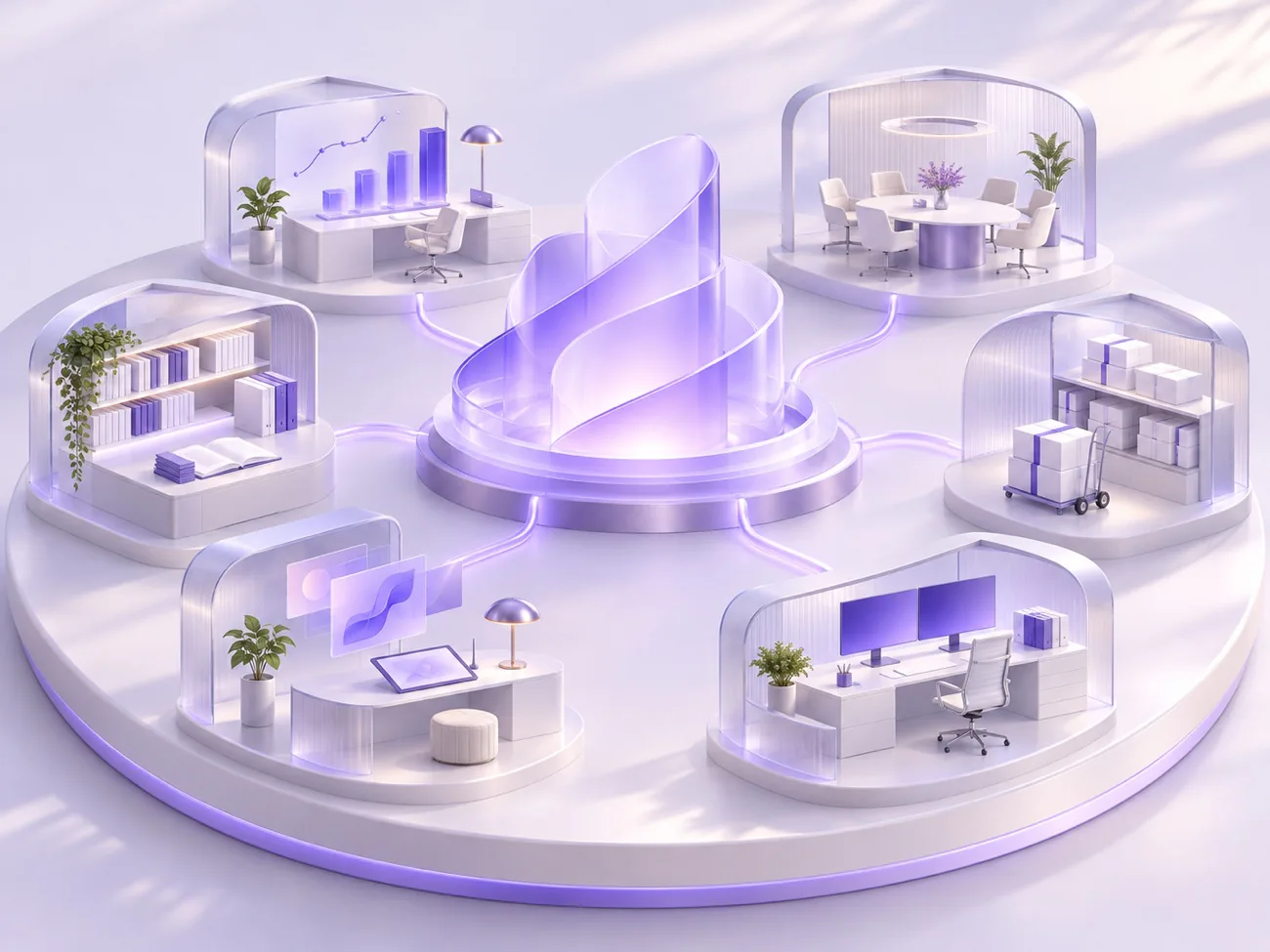
Concept illustration of a company workspace: an AI hub in the centre, connected to rooms for data analysis, meetings, documents, warehousing, design and R&D
Finance · monthly reconciliationReports consolidated, awaiting your review
Company knowledge baseEvery answer traceable to its source
Enterprise · 01 · Departments

Every department has
its own way of working with AI.

Start from repetitive tasks and see what AI can do and what it delivers. Choose a department and find the work you most want to solve first.

01 / 11

Finance

Reconciliation, consolidation, reports and budget analysis. AI helps with the sorting and checking; the key judgments stay with you.

Capabilities used
DeskiScheduled tasksKnowledge baseAgents
Provide material → AI assists → A person reviews
  • 01
    Monthly report consolidation

    Reads the spreadsheets each department submits, consolidates and cross-checks the figures, and flags where they disagree.

    Delivers: Summary sheet + discrepancy list
  • 02
    Expense claim sorting

    Sorts claim details by expense category and finds entries missing an invoice or an approval.

    Delivers: Sorted sheet + list of missing documents
  • 03
    Payment clause lookup

    Searches contracts and finance policies for payment terms, credit periods and default clauses, and states which document each answer comes from.

    Delivers: Clause excerpts with sources
  • 04
    Receivables and payables follow-up

    Reads the ledger sheets, lists overdue items and drafts payment reminders or reconciliation letters.

    Delivers: Overdue list + draft letters
  • 05
    Budget execution analysis

    Compares budget with actuals and produces charts and a written explanation for management discussion.

    Delivers: Charts + explanatory note
  • 06
    Scheduled week-end and month-end work

    Recurring tidy-up work is put on a schedule; Deski completes it in the background and delivers it to the inbox on time.

    Delivers: Generated on schedule, awaiting review

These are scenarios that can be set up; each needs configuring with the company's own material and workflows. Key judgments and anything used externally stay with people.

Enterprise · 02 · Case studies

Case studies from companies already using it.

These cases come from live company deployments, with company names withheld. Each one carries a delivery list of what was actually set up.

Case 01 / Kitchen appliance brand / Used by the in-house team

Integrated production of launch content for a new product

Business need

A product launch needs topics, copy, scene images and presenter videos at the same time. The four jobs were spread across different people and tools, with many hand-offs and a long overall cycle.

Solution

A dedicated company site under the brand's own identity, where all four steps happen on one platform: topics are chosen from daily trend lists for home appliances, home living and dining; product photos are stored in the company asset library and referenced directly when scene images are generated, so the product looks the same throughout; a digital presenter delivers the script; subtitles are generated automatically and the final video is assembled.

TopicsAsset libraryImage creationDigital presenterAuto subtitles
01 TopicsToday's trends · Appliances
  • 1Choosing a range hood for an open kitchen
  • 2The order of work when renovating a kitchen
  • 3Storage for a small kitchen
Also covers home living and dining
02 Scene imagesProduct photo as reference
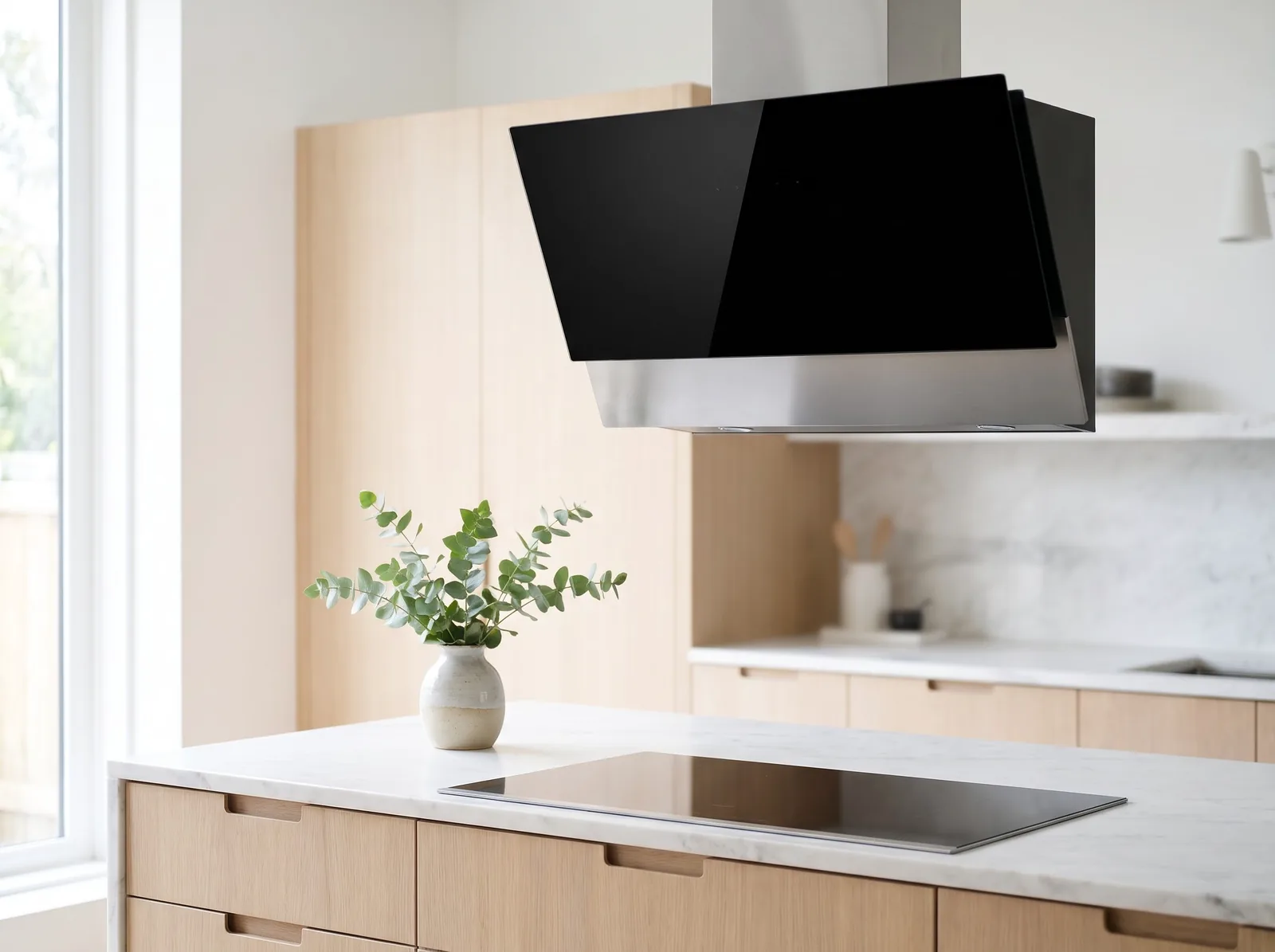
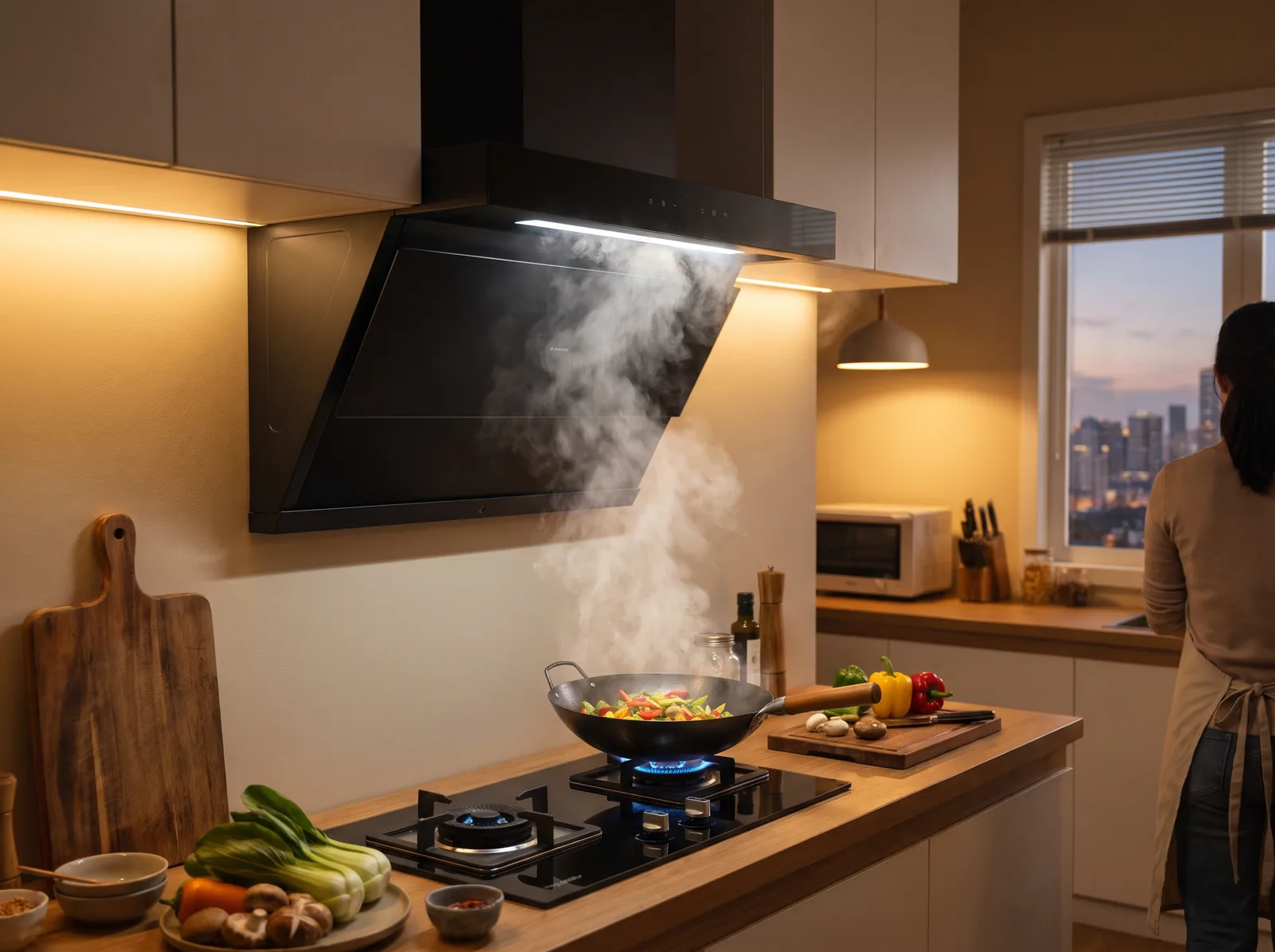
Range hood product shot in a bright modern kitchen
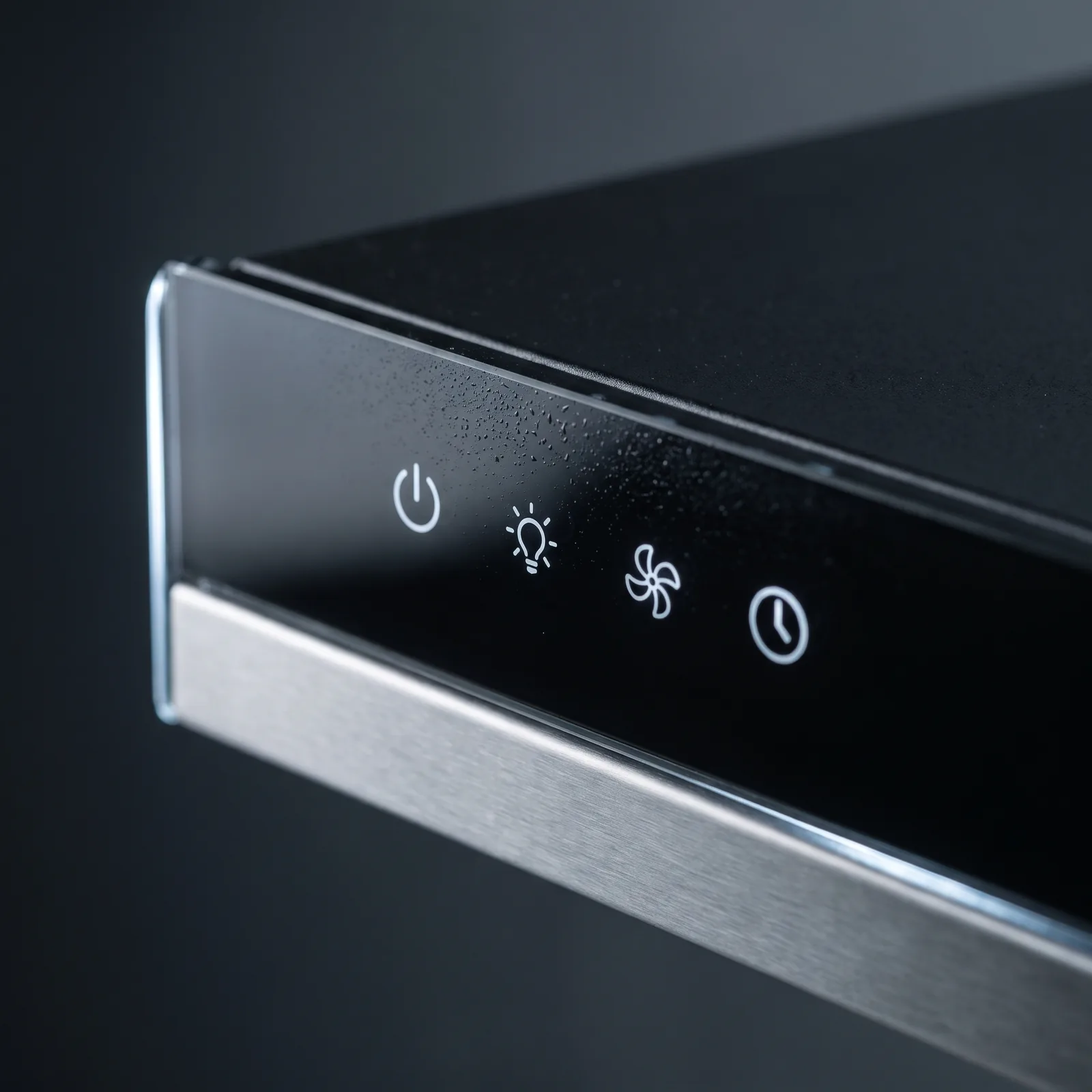
Scene image: a home kitchen in the eveningDetail shot: the touch control strip
03 Digital presenterEdit the script to regenerate
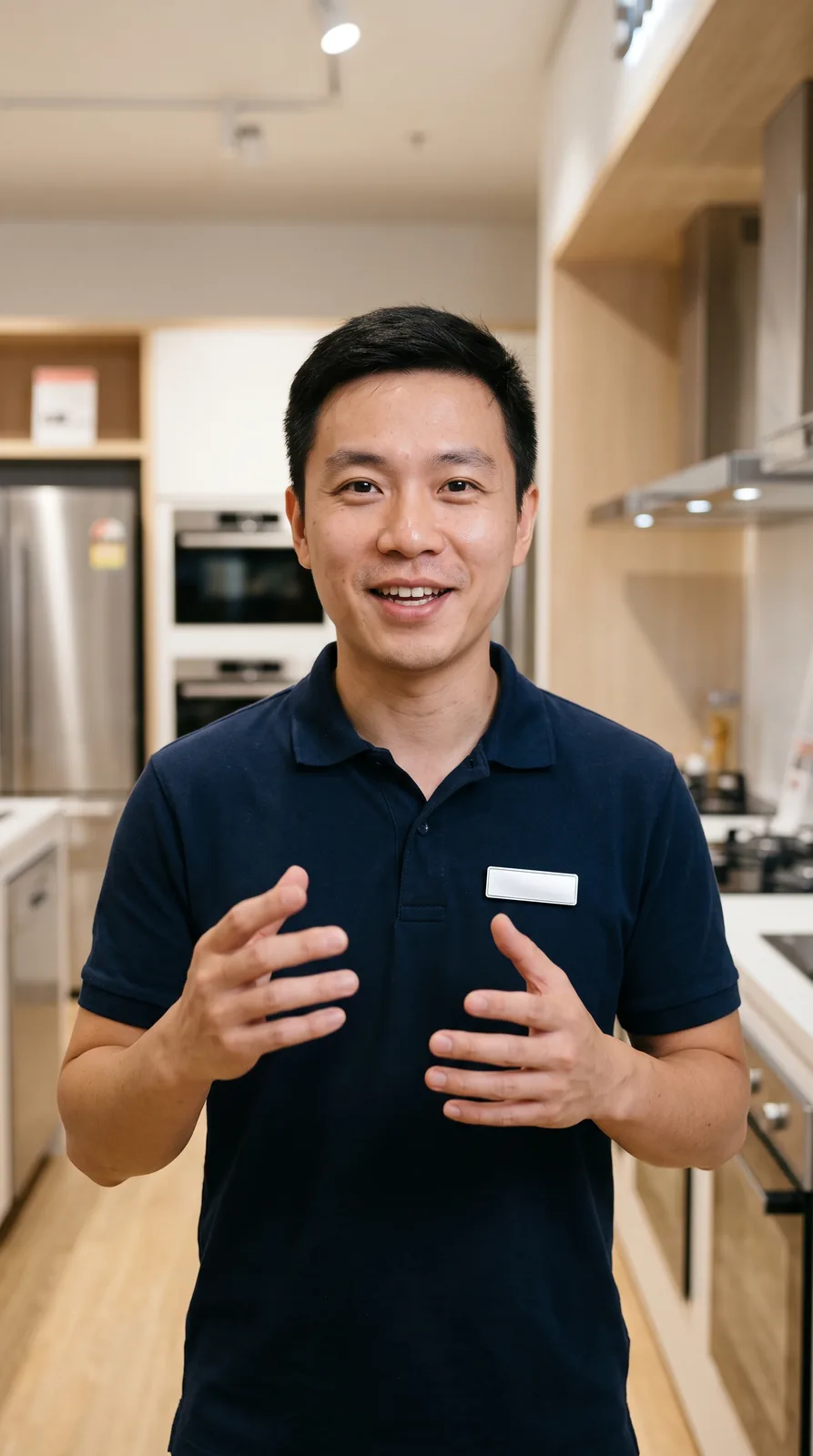
Digital presenter: a store consultant in a showroom
Look
From a single photo
Voice
Cloned from the speaker
Script
From the previous step
“In this episode: three upgrades in the new model.”
04 Subtitled cut60 s · landscape & portrait
Scene image: a home kitchen in the eveningUpgrade one: smoke capture directly above the cooktop
  • Delivered
  • Branded company site + mini program
  • Daily trend lists for three industries
  • Company asset library
  • Member quotas and creation records

Case 02 / Sports lifestyle brand / Used by the in-house team

An AI workspace in the brand's own identity

Business need

The brand has a complete visual standard, with clear rules for colour, type and slogans. If the tools staff use every day keep a generic look, brand assets do not accumulate.

Solution

The site runs on its own domain. The home page was redesigned from the brand book and organised around the brand's own business: scenarios, product lines, event operations and a brand knowledge base. The top bar, buttons and sign-in page use the brand colours, and the wordmark was redrawn.

1dayThe site and its branded home page went live on the day of the request; chat, creation and the knowledge base match the standard deployment.
ai.yourbrand.com
YOUR BRANDHomeWorkspaceCreateKnowledgeOpen workspace
Copy and layout follow the brand book
Brand home page visual: a badminton player
ScenariosProduct linesEventsBrand knowledge
Brand colourTextBackgroundIllustration: replace with your brand colours and wordmark
  • Delivered
  • Company site on its own domain
  • Branded home page and site-wide skin
  • Brand knowledge base
  • Members, quotas and asset library
Enterprise · 03 · Industries

In your industry,
start where the time goes.

The same AI capabilities, different starting points. Pick an industry to see which work is worth trying first.

Manufacturing & textiles

Put orders, processes and shop-floor records in order.

Knowledge

Turn orders, processes and customer files into searchable knowledge.

Procurement follow-up

Compare supplier quotes, and draft follow-up emails and translations of export documents.

Weekly operations report

Gather exception records from teams and workshops into a weekly report and a to-do list.

Industry pictures are illustrative and do not represent actual customers or partnerships.

Enterprise · 04 · Knowledge

Keep experience in the company,
put knowledge to work.

Product material, policies and project documents no longer need hunting for. Bring scattered knowledge together, let AI answer with context, and let more people use the team's good practice.

  • Knowledge with sources, answers with a basis

    Answers are retrieved from your material, and key content can be traced back to its source.

  • Turn working methods into dedicated assistants

    Create agents around roles and tasks to reuse the ways of working you already trust.

  • Make the team's output the next starting point

    Accumulate documents, assets and experience, and cut the work of starting from scratch.

Explore the knowledge base
Company knowledge baseQ&A illustration
Staff handbookProduct materialService process
What does a new colleague need to finish in their first week?
Here is a first-week onboarding checklist:
  1. Complete onboarding paperwork and equipment handover
  2. Learn the department's responsibilities and common workflows
  3. Schedule product study and role training
Source: Staff handbook · Onboarding
Sample answer · actual answers depend on the material your company uploads
HR assistantProduct knowledge assistantService knowledge assistant
Core · 01 · Deski

A desktop coworker that chats,
does office work and writes code.

Not a chat box — a colleague who takes the job: reads your files, runs your commands, drives a browser, and keeps going for hours without babysitting. This is Deski — pick a task on the left or switch to Chat and watch it work.

Plans first, acts on your goLong background runs · scheduledLocal-first · code never leaves
New chat
Scheduled
Plugins
Projects
DDemo account
Get Plus
Done · awaiting reviewRunning 2h 14m
Migrate the payments module from Stripe v1 to v2, fill in the unit tests and get CI green. Open a PR when done.
ThinkingRead payments/ and the existing tests first to find the v1 call sites; split into adapter → swap calls → regression tests, and plan before touching anything.
Plan (files untouched until you confirm)
  1. Add StripeV2Adapter wrapping PaymentIntent / Refund
  2. Replace 14 legacy charges.* calls, keep a rollback switch
  3. Add installment and refund edge cases, run the full payments suite
Approved
Read filepayments/stripe_client.ts · 412 lines0.3s
Searchgrep "stripe.charges" src/ · 14 hits0.2s
Run commandpnpm test payments38 passed · 4 failed
payments/stripe_client.ts+86 −41
@@ -12,7 +12,9 @@
- const charge = await stripe.charges.create(params)
+ const intent = await adapter.createIntent(params)
+ await adapter.confirm(intent.id, { idempotencyKey })
Run commandpnpm test payments46 passed
Run commandgit commit -m "feat(payments): migrate to Stripe v2" && gh pr createPR #482
Migration done. StripeV2Adapter now wraps PaymentIntent and Refund; 14 legacy calls replaced with a rollback switch kept in place. Added 4 regression cases for installment and refund edges — payments suite 46/46 green. PR #482 is open for your review.
Task complete · 2h 14m · 6 files changed · tests 46/46
Review changesOpen PR
Use Deski Work
Full access5.6 LunaMed
shop-webPlugins
01 · PARALLEL

Five tasks, five worktrees

Every session gets its own Git worktree, so refactors, bug fixes and test runs never overwrite each other. Switch back any time; merge when it's done.

02 · PLAN & REVIEW

A plan first, then your go-ahead

Plan mode lists the steps before touching a file. Afterwards you get a readable diff: stage by hunk, commit, push, or open a Pull Request.

03 · SCHEDULED

Chores run on schedule, in the background

Ticket triage, alert sweeps, dependency bumps, build-failure digs — set a time and hand it over. Each run gets its own worktree; results land in your inbox for review.

04 · LOCAL FIRST

Code never leaves your machine

Files are read and written on your disk, commands run in your shell, the repo stays local. Nothing gets uploaded to a container you can't see.

Core · 02 · Creation studio

One sentence, a full set of images.

Cinematic stills, fashion, anime, landscapes, impasto, watercolor, oil — write one sentence or reuse a plaza template and get four images at once. Every image below is a 2K original generated on the platform.

You
A Shiba Inu in aviator goggles flies a vintage red biplane over sunset clouds, four camera angles, film look, cinematic light, 2048×2048
GPT-Image 2.5Seedream 5.01:13:44 images2K
Shiba pilot
Shiba pilot
Shiba pilot
Shiba pilot

How it works

EntryCreate → image / edit / poster / long image
TemplatesPublic plaza cases, one-click remix
ReferencesUpload / team library / your works
Output4 per run · shown first, saved after · survives refresh
ModelsGPT-Image 2.5 · Seedream 5.0 · Nano Banana
Open the studio
Drowned skylineGPT-Image 2.5
Drowned skylineCinematic
Retro film portraitGPT-Image 2.5
Retro film portraitFashion
Cyberpunk rooftopGPT-Image 2.5
Cyberpunk rooftopAnime
Milky Way over the peakGPT-Image 2.5
Milky Way over the peakLandscape
Xianxia swordsmanGPT-Image 2.5
Xianxia swordsmanImpasto
Paris in the rainGPT-Image 2.5
Paris in the rainWatercolor
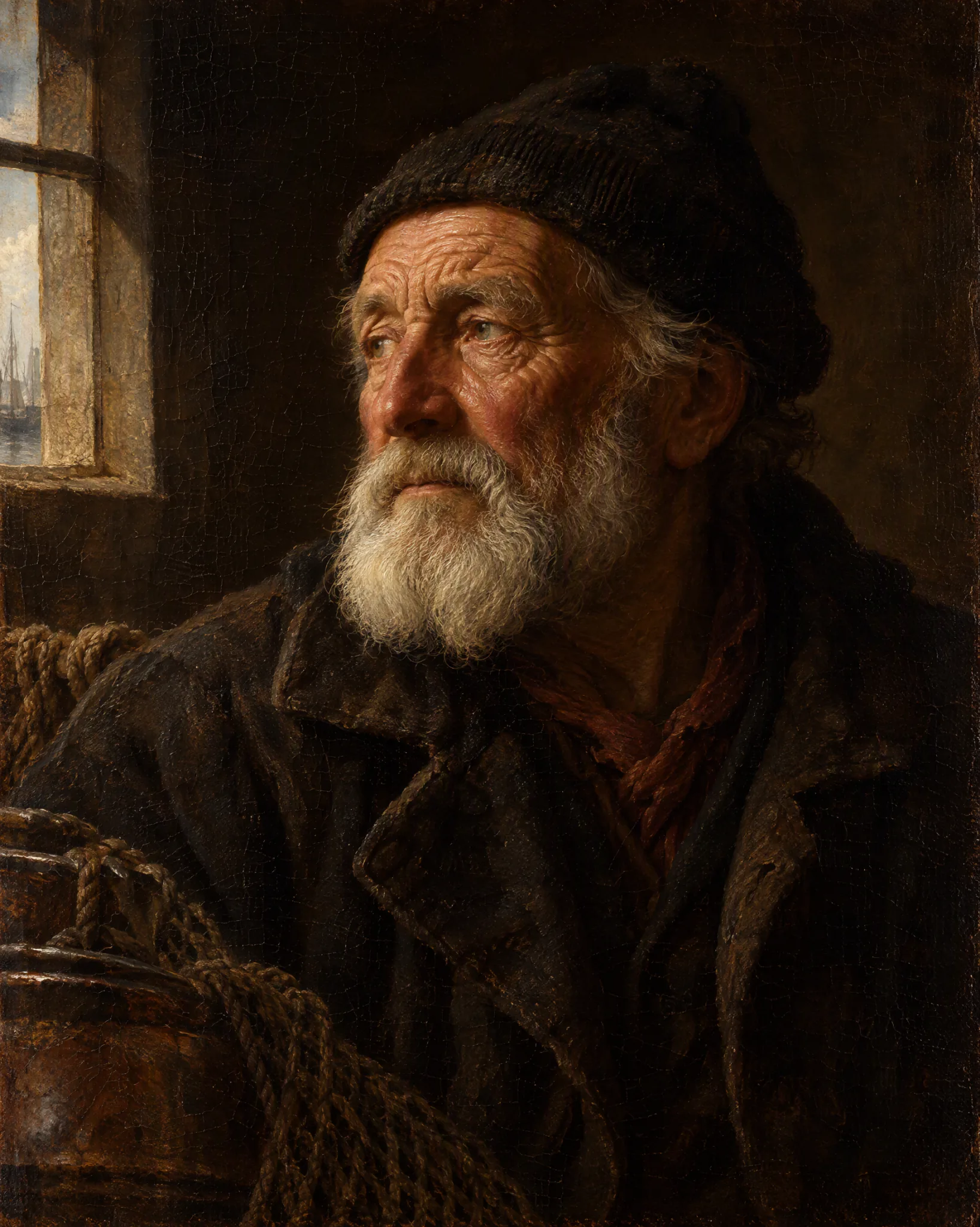
The old fishermanGPT-Image 2.5
The old fishermanOil painting
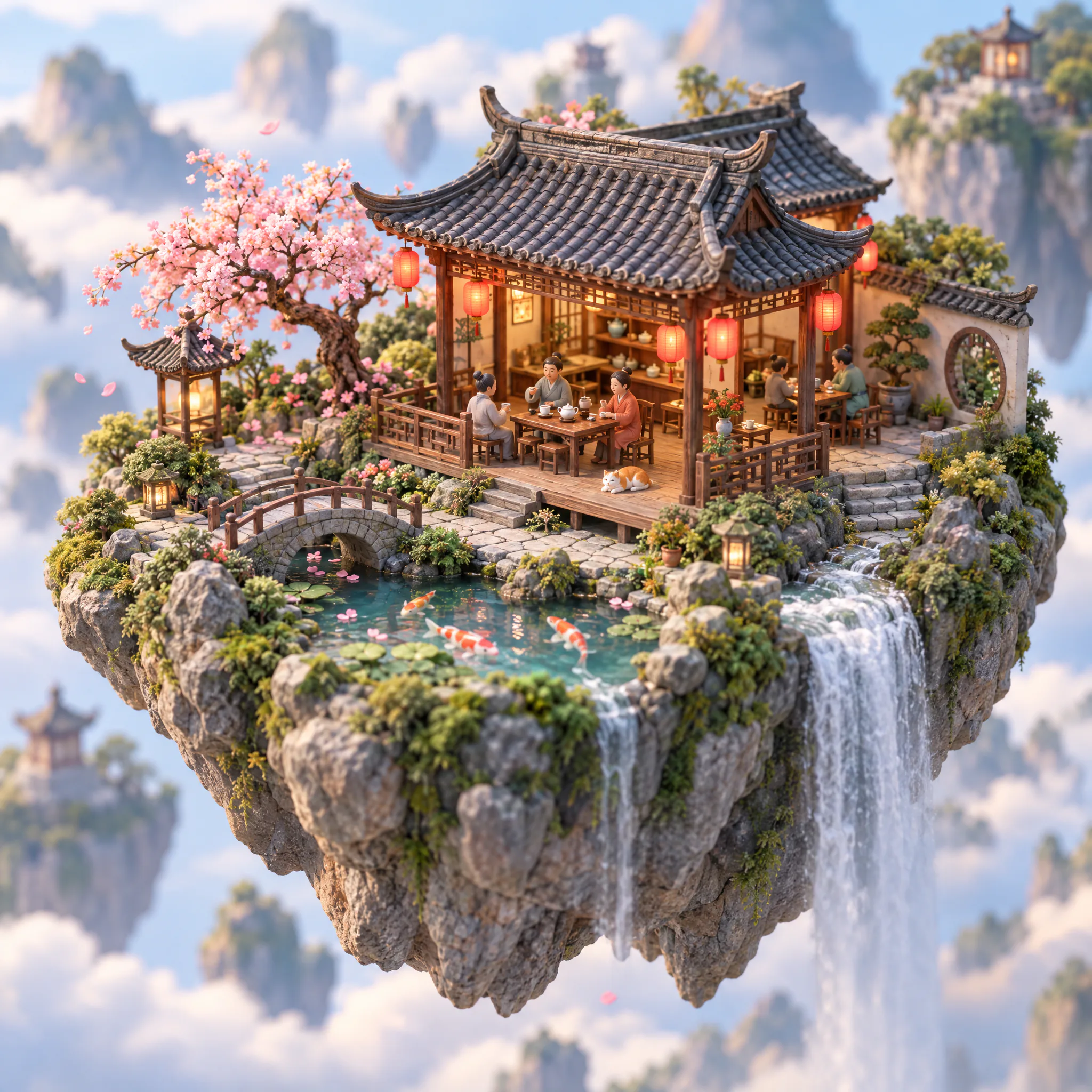
Miniature teahouseGPT-Image 2.5
Miniature teahouseTrending
Deep-sea leviathanGPT-Image 2.5
Deep-sea leviathanCinematic
Black-and-white portraitGPT-Image 2.5
Black-and-white portraitFashion
Magic libraryGPT-Image 2.5
Magic libraryAnime
Pillars above the cloudsGPT-Image 2.5
Pillars above the cloudsLandscape
Mecha pilotGPT-Image 2.5
Mecha pilotImpasto
Cat among hydrangeasGPT-Image 2.5
Cat among hydrangeasWatercolor
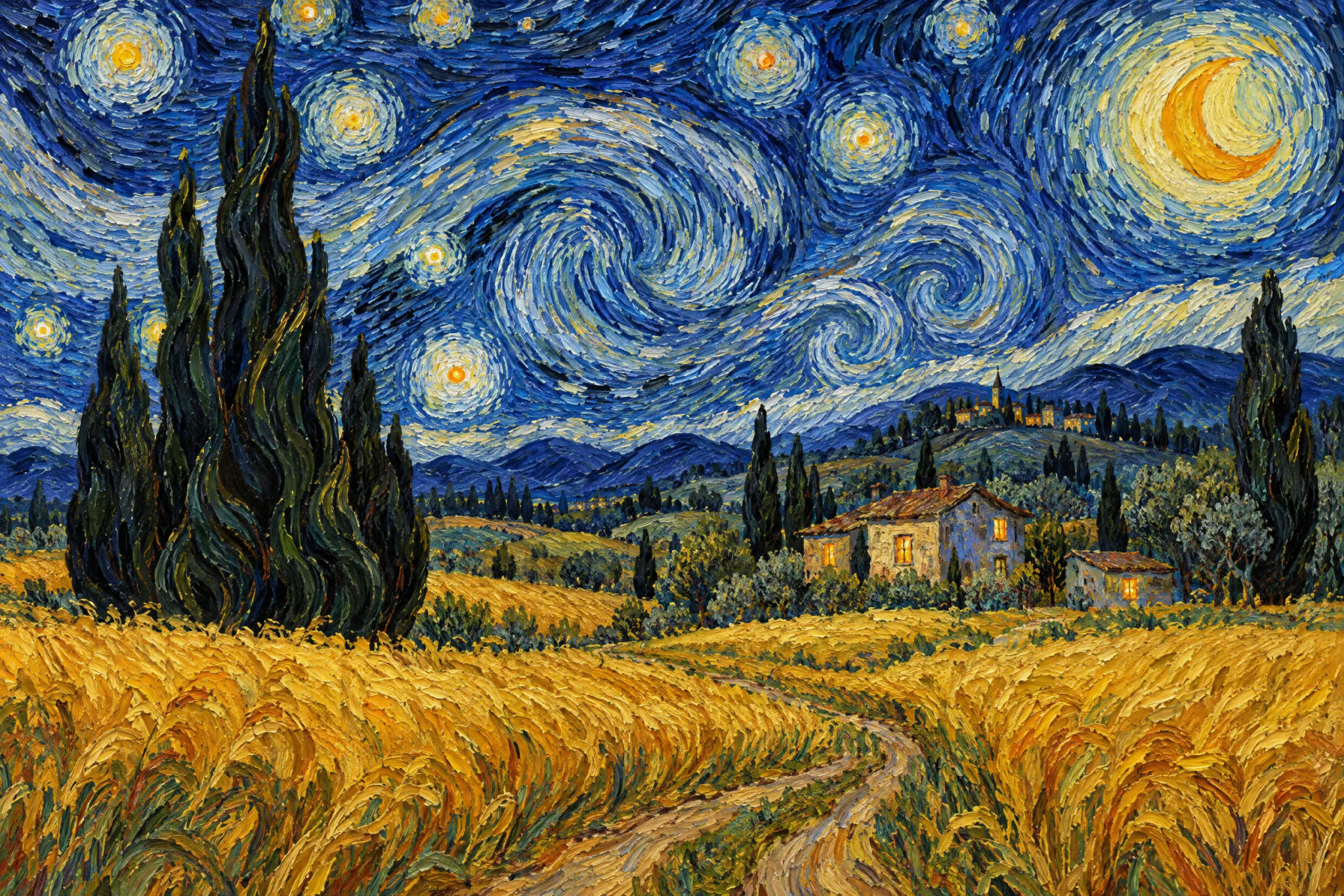
Starry wheat fieldGPT-Image 2.5
Starry wheat fieldOil painting
Surreal doorwayGPT-Image 2.5
Surreal doorwayTrending
Swordswoman in the bambooGPT-Image 2.5
Swordswoman in the bambooCinematic
Neo-Chinese coutureGPT-Image 2.5
Neo-Chinese coutureFashion
Summer fireworksGPT-Image 2.5
Summer fireworksAnime
Golden autumn valleyGPT-Image 2.5
Golden autumn valleyLandscape
Elven archerGPT-Image 2.5
Elven archerImpasto
Seaside villageGPT-Image 2.5
Seaside villageWatercolor
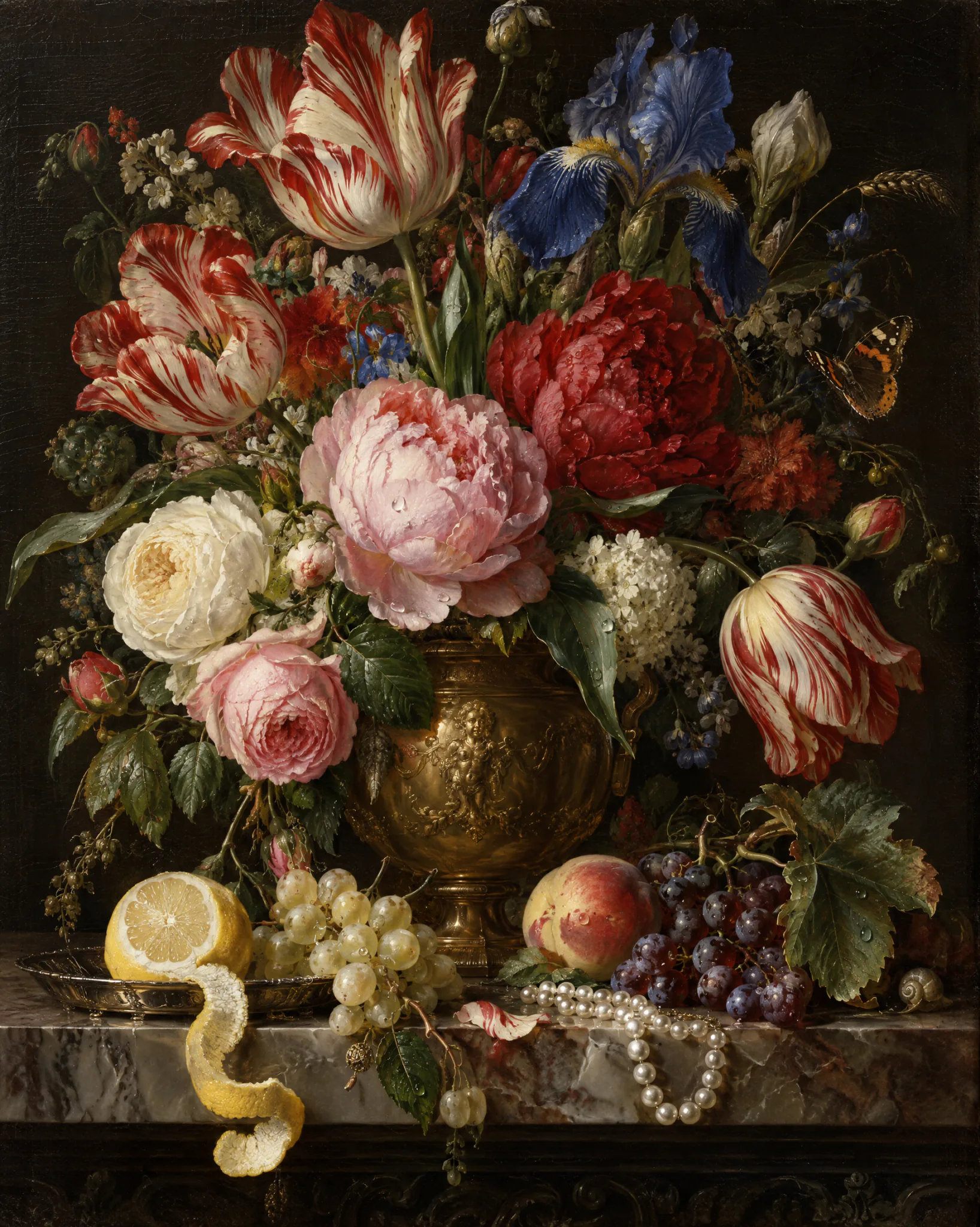
Floral still lifeGPT-Image 2.5
Floral still lifeOil painting
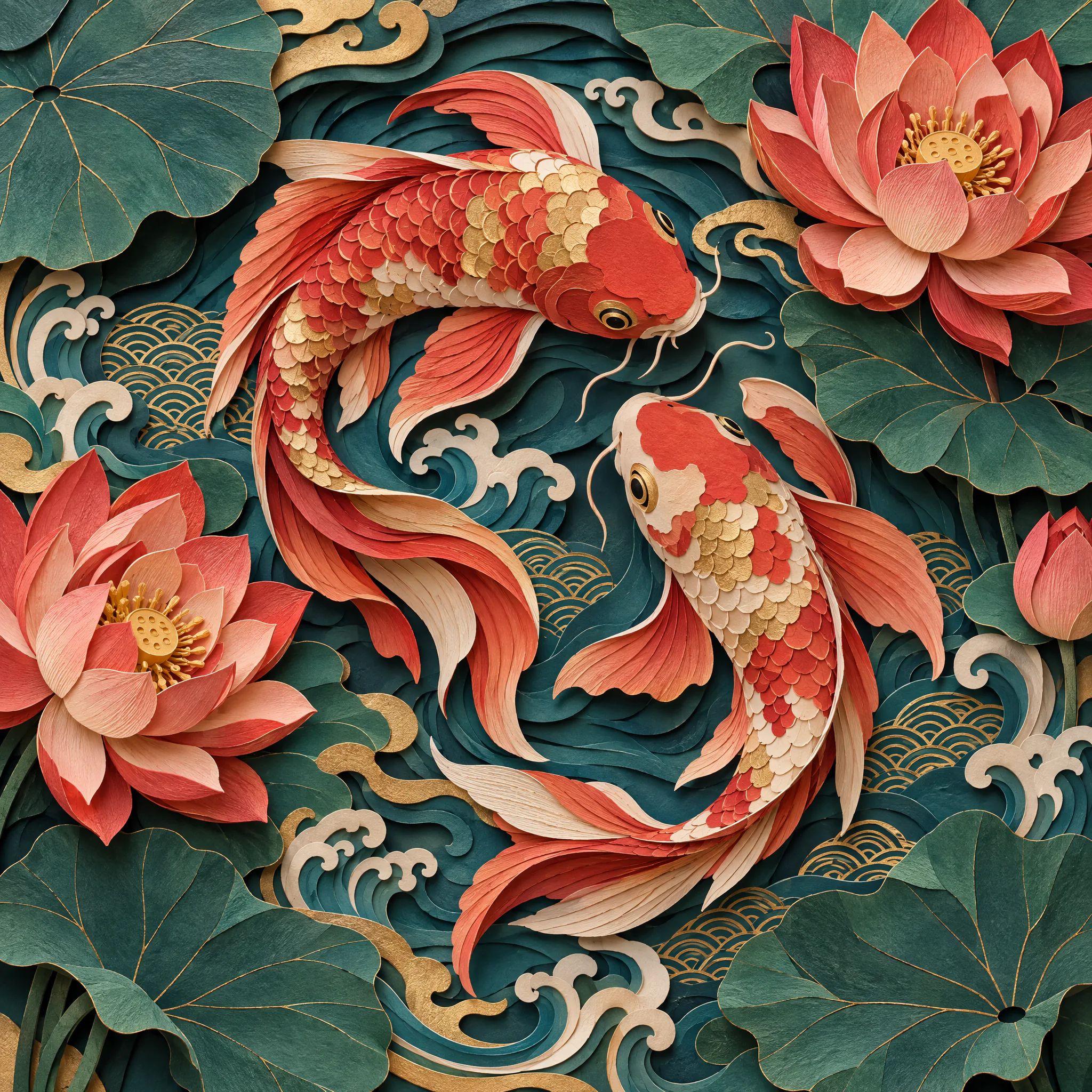
Paper-cut koiGPT-Image 2.5
Paper-cut koiTrending
Core · 03 · Digital human

One photo,
a version of you that talks.

Upload a likeness, paste a short-video link to extract the script, clone your voice — a talking-head clip in minutes. Product pitches, lessons, company intros, no studio booking.

1
Upload a likeness or pick from your works

A front-facing photo or a short video is enough; real people go through the consent flow.

2
Extract the script · rewrite in one click

Paste a Douyin / Xiaohongshu link to pull the voice-over, or let a model rewrite it for your product.

3
Voice clone · burned-in subtitles

Clone your voice, subtitles auto-aligned and burned in, export 9:16 / 16:9.

Live-commerce pitchLessonsCompany introMultilingual dubbing
Open the avatar studio
Source photoInput · one photo
Talking-head previewOutput · talking head · 1080p00:00
Hi everyone — this voiceover was made from a single photo.
Stone titan · text-to-video
Seedance 2.5Text to video1080p · 8s · 16:9
Stone titan · text-to-video00:00 / 00:08
Core · 04 · Video generation

A first frame, a reference,
or one sentence — all become video.

Text-to-video, image-to-video, reference rewrites, billed per second. Jobs run asynchronously — close the tab and come back; results are stored automatically, on domestic storage for domestic models so playback stays smooth.

Open the video studio
Core · 05 · Infinite canvas

Lay a whole creation out on one canvas.

References, prompts, generations, edits and video nodes all connect on one infinite canvas. Redo any step from that step; the whole chain stays visible.

Open the canvas
Landscape poster · 1:1 → 16:9
Edit · new background · GPT-Image 2.5
Video · Seedance 2.5 · 5s
Image-to-video · 1080p · 9:16
Export
4 shots · 1 poster · 1 video
Publish to the plaza
Generate · 4 imagesFour at a time, shown first and saved after; pick one to keep editing or turn into a video.
ModelGPT-Image 2.5
Time45s
Node-based creation chain

Reference → prompt → generate → edit → video. Every node reruns; change an upstream node and regenerate downstream in one click.

Mix models freely

Seedream for images, GPT-Image 2 for edits, Seedance for video — on the same canvas, no page switching.

Shared with the team

Team members share the asset library and canvases; admins publish to the plaza or file into the knowledge base in one click.

Model catalogue

124 leading models, one integration

Covers OpenAI, Anthropic, Google, ByteDance Doubao, Zhipu, DeepSeek, Qwen, MiniMax, Moonshot, xAI and other major vendors. New models are available within 24 hours of release.

GPT-5.6 Sol
OpenAI
70% OFFChat & reasoningReasoning
Input price0.6066Credits/K2.022Credits
Claude Opus 4.6
Anthropic
40% OFFChat & reasoningReasoning
Input price1.2132Credits/K2.022Credits
Claude Sonnet 4.6
Anthropic
40% OFFChat & reasoningReasoning
Input price0.7279Credits/K1.2132Credits
GLM-5.3
Zhipu GLM
Chat & reasoningReasoningOpenAI compatible
Input price0.48Credits/K
GLM-5.3-Flash
Zhipu GLM
Chat & reasoningReasoningOpenAI compatible
Input price0.048Credits/K
DeepSeek V4.1 Flash
DeepSeek
Chat & reasoningReasoningOpenAI compatible
Input price0.12Credits/K
+ 118+ more models not shown · See the full model list →
Three minutes to every model

Download Deski, or
take one key and start today.

Free credits on sign-up, no card, no minimum. Generate an API key in the console; Deski signs in with the same account.

124+
models
99.9%
uptime
4
client protocols
Pay as
you go · every call logged